How to find a Master's thesis in the library catalog:
The library currently houses theses from the Masters of Humanities program here at Wilson. If you are a current student, staff, or faculty member looking for a thesis from previous years, here is how you find them.
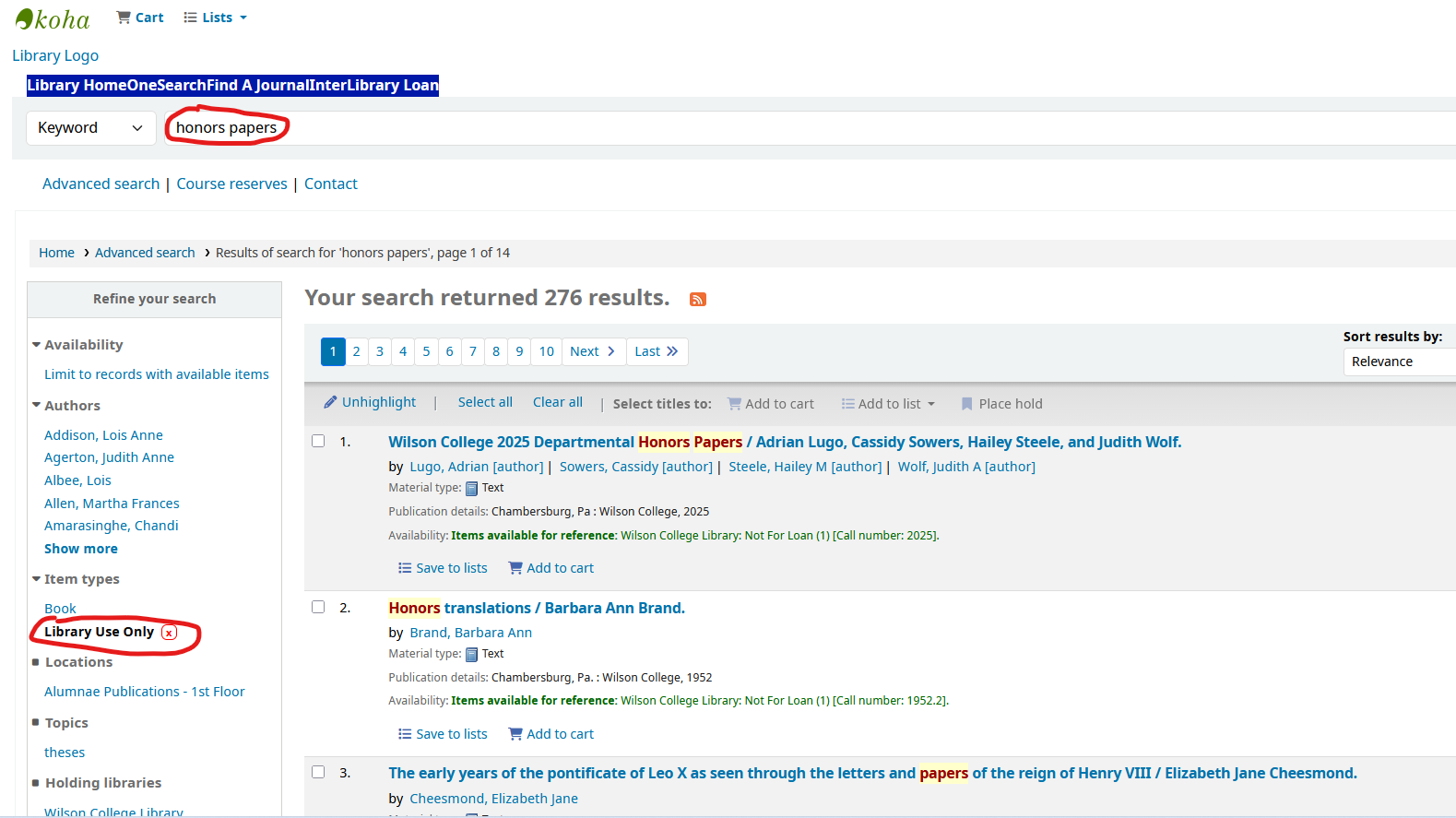
You can find theses by searching the library catalog, Koha, which you can access here: https://wilson.bywatersolutions.com/ or through the library’s website by selecting the ‘Library Catalog’ button in the middle portion of the screen.
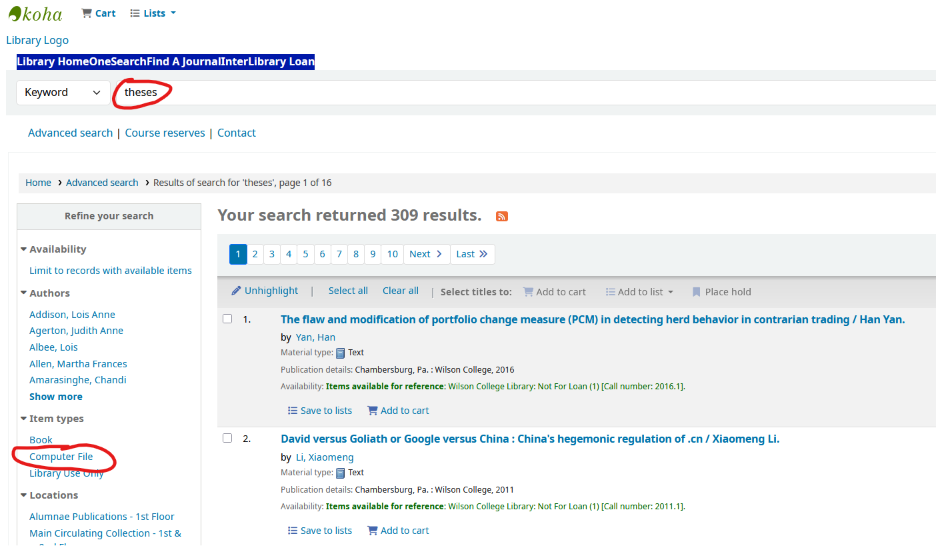
If you know the title or author of the thesis you are looking for, you can simply type it in the search box. To see a list of all of the master theses the library currently has available, type “theses” into the search box.
To further narrow it down, go to the ‘Refine your search’ section on the left-hand side of the results page. Select ‘Computer File’.
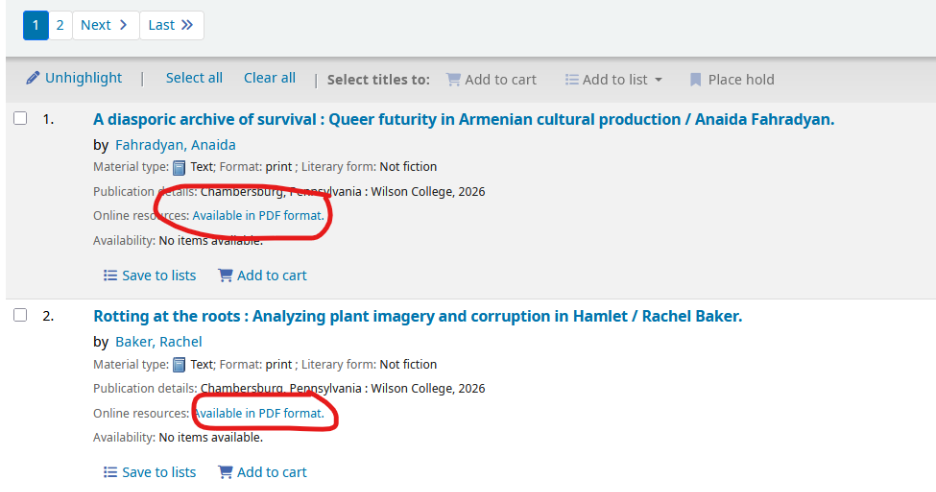
As you scroll through the list, you will see a small link that says, “Available in PDF format.”
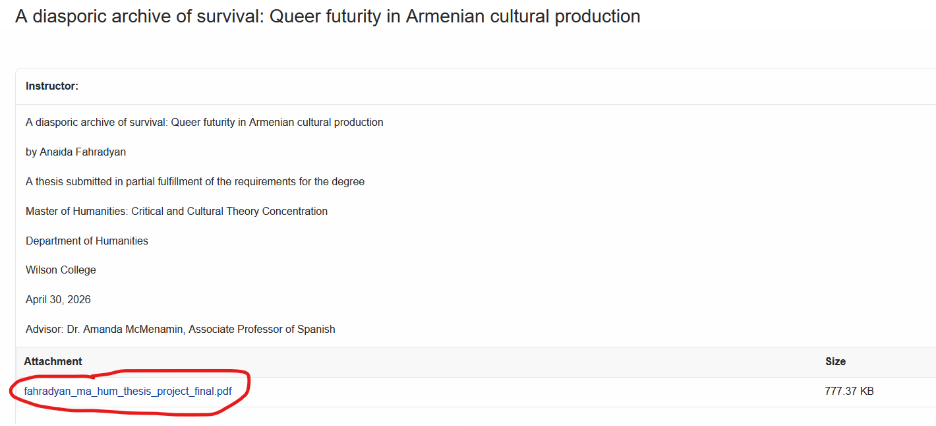
Click on that link, and you will be taken back to the library website where you can find a PDF attachment of that particular thesis.